Download Reelify for Mac Clip your first video in minutes
One free download, no credit card, and no watermark. Open Reelify, drop in a long video, and the AI finds the best clips right on your Mac. Nothing is uploaded, nothing is metered, and the whole install is three steps.
Free forever. No watermark, no credit card. Needs an Apple Silicon Mac on macOS 15 or later.
Check your Mac first
Reelify's AI runs on the Apple Silicon chip in your Mac, which is what makes it fast and private. That also means it only runs on newer Macs.
- Chip
- Apple Silicon: M1, M2, M3, M4, or newer. Intel Macs are not supported.
- macOS
- macOS 15 or later
- Memory
- 8 GB of RAM minimum, 16 GB recommended
- Disk space
- The installer is roughly 600 MB and the installed app is about 2 GB. Keep free space of 2 to 3 times your video size while processing.
- Price
- Free forever. No watermark, no credit card. Sign up with your email.
To check your chip, choose the Apple menu, then About This Mac. "Chip" should read Apple M1 or later.
Install in three steps
-
Download the installer
Use the button above. You get a disk image (a .dmg file).
-
Drag Reelify into Applications
Open the disk image and drag Reelify AI into your Applications folder. There are no extra services to set up.
-
Open it and drop in a video
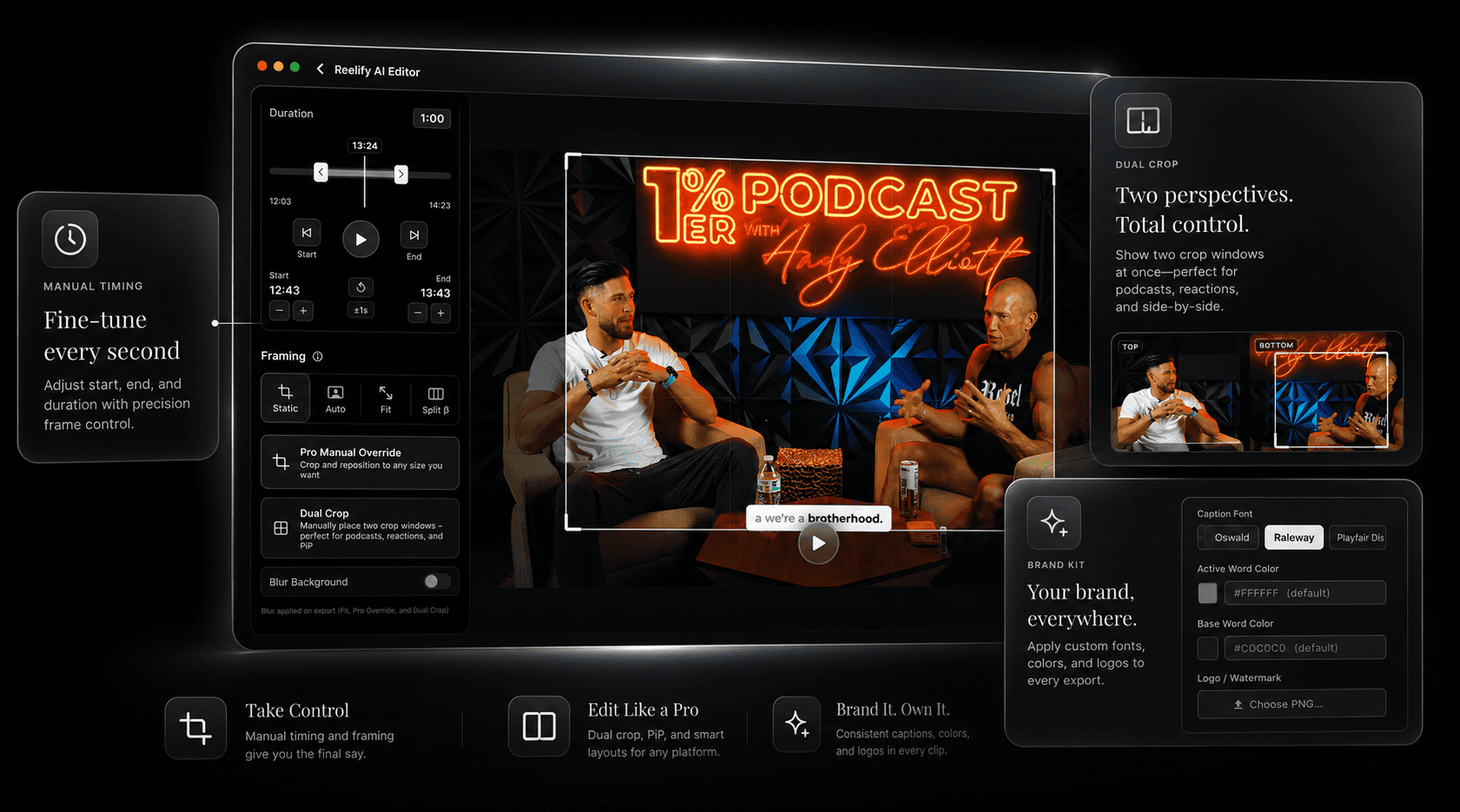
Launch Reelify, import a long video, and review the clips the AI suggests. Then adjust the timing, style the captions, and export.
What your first session looks like
Pick a recording you actually want clips from: a podcast episode, a webinar, a stream, a lesson. The free plan is free forever, with AI clipping on every video you import, so any recording is a real test.
- Analysis
- A long recording is usually ready to review in a couple of minutes on a recent Mac. There is no upload step.
- What you get
- A ranked list of clips, each with a time range, a title, and a note on the hook
- What you do
- Keep the good ones, tighten the start and end, and style the captions
- What comes out
- Vertical 9:16 clips with captions for TikTok, Reels, and Shorts. 1080p exports with no watermark.
Before you download
This download is for you if
- You have an Apple Silicon Mac
- You clip podcasts, interviews, webinars, lessons, or streams
- You'd rather not upload footage or count credits
Look elsewhere if
- You have an Intel Mac
- You're on Windows. Join the Windows waitlist.
- You're on a phone only. Try the free iPhone and iPad app.
Download questions
Is Reelify free to download?
Yes. Reelify for Mac is free forever. The free plan includes unlimited video imports and AI clipping on every video, with 1080p exports and no watermark. You sign up with an email, and there is no credit card and no time limit.
Which Macs can run Reelify?
Any Mac with Apple Silicon (M1 or newer) running macOS 15 or later, with at least 8 GB of RAM. Intel Macs are not supported.
How big is the download?
The installer is roughly 600 MB. The installed app is about 2 GB, and you should keep 2 to 3 times your video's size free while it processes.
Is Reelify safe to install?
Download it only from this site, where the button links to the official installer. The app processes your video on your Mac, and according to the privacy policy the optional Cloud AI feature sends only the text transcript, never the video.
Does Reelify work offline?
Yes. Importing, analyzing, clipping, captioning, and exporting all work without an internet connection. Only the optional Cloud AI feature needs one.
Is there a version for Windows, Android, or iPhone?
There is a free iPhone and iPad app. A Windows version is in development and has a waitlist. There is no Android app right now.
Download Reelify and clip your first video
It takes a couple of minutes to install, and the free plan has AI clipping on every video, with no watermark and no credit card.
Rated 4.9★ on the App Store.