Unlimited AI Video Clipping for Mac
Turn podcasts, interviews, and webinars into Shorts, Reels, and TikToks.
Processed locally on your Mac · No uploads · No credit limits
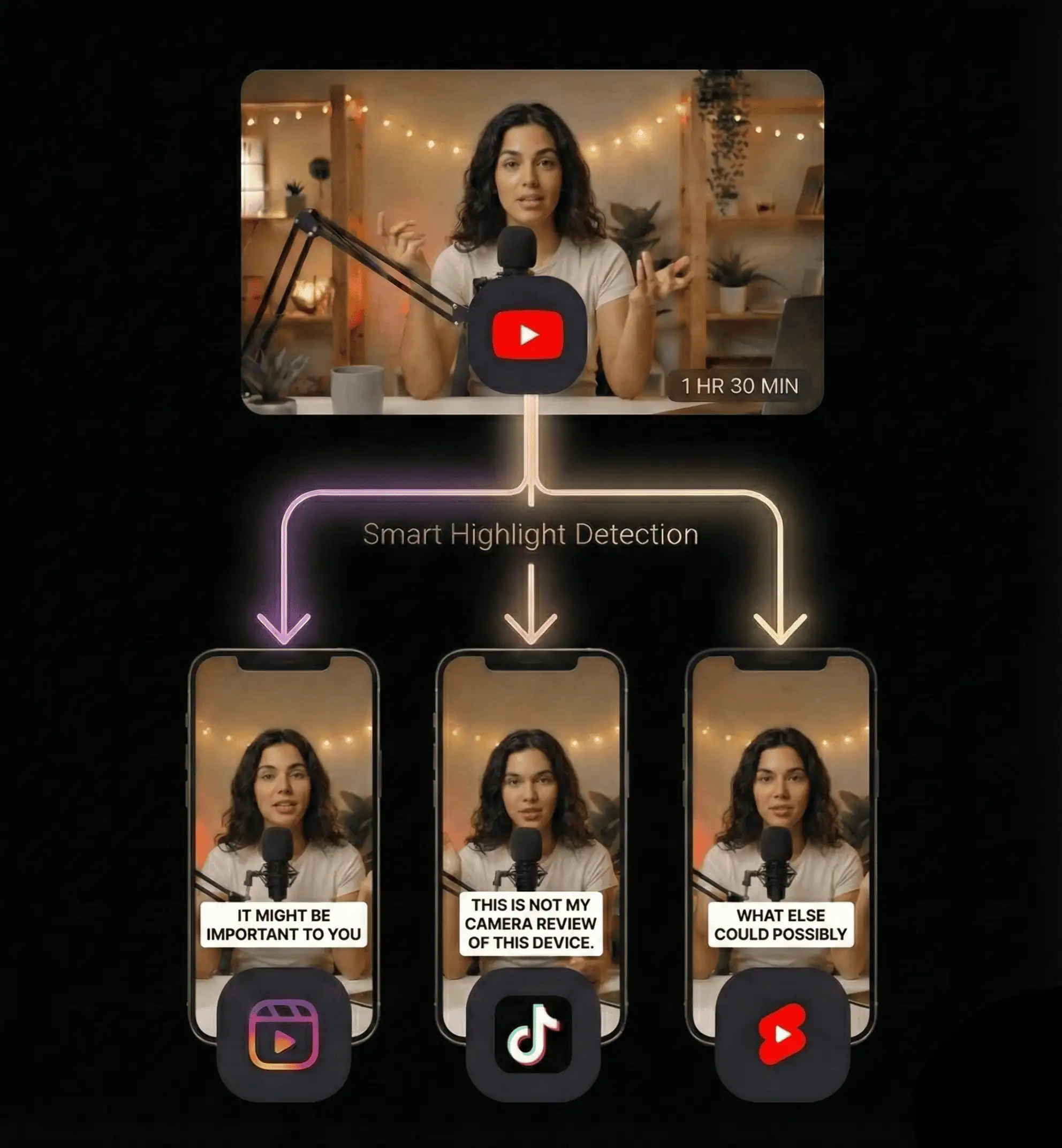
1 long
 video → 10 short
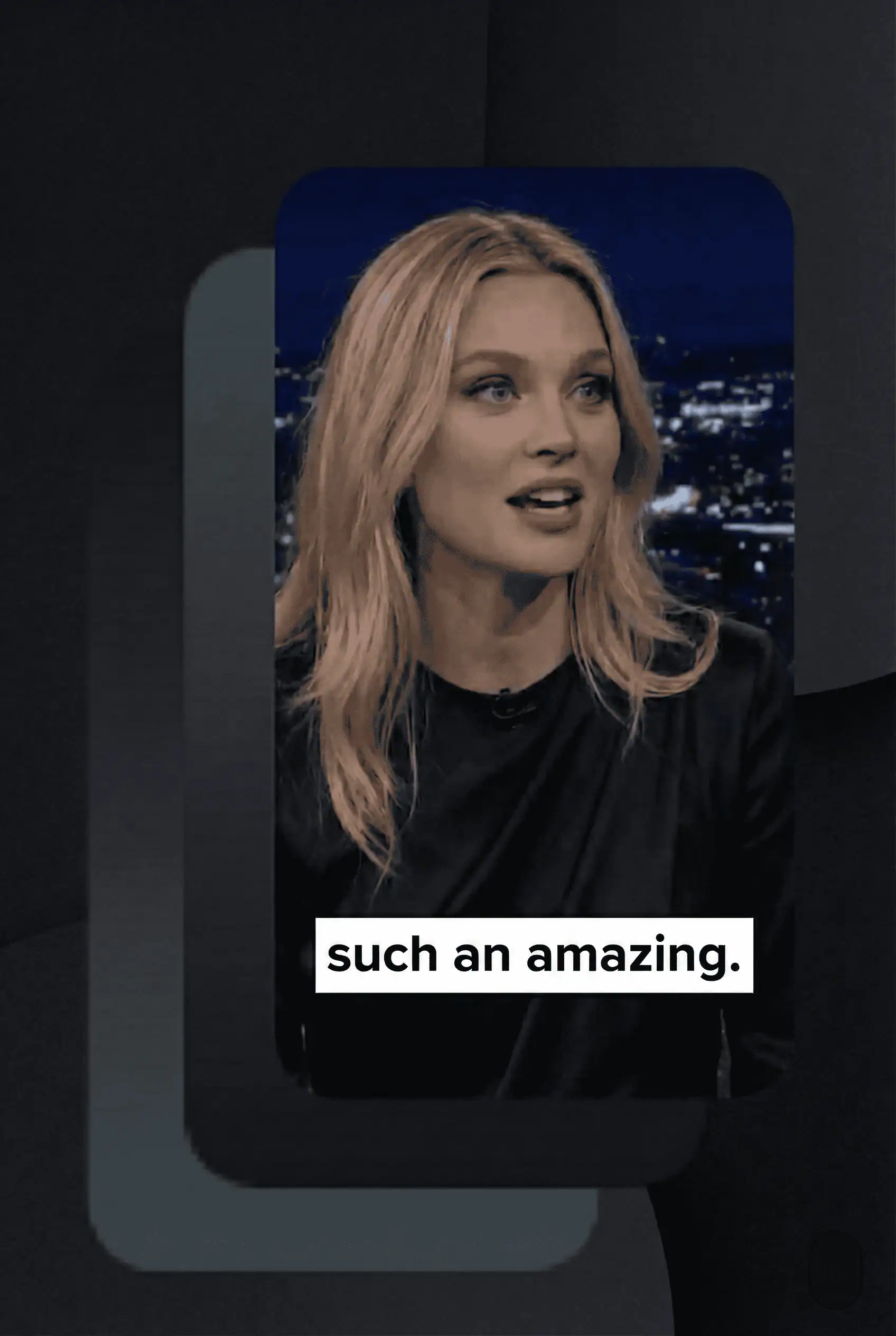 clips in ~90 sec

You're sitting on a goldmine of content.
But you're digging with a spoon.
The Grind (Manual Editing)
The Genius (with Reelify AI)
How It Works
From raw footage to viral clips in 3 simple steps
Import
Drag in any video. Podcasts, interviews, streams, courses. Your videos stay private on your Mac.
Analyze
Let our AI find the gold. In 90 seconds, it pinpoints 10 moments with the highest potential to go viral.
Export
Get 10 ready-to-post clips. Add captions, brand them, and export in vertical format for TikTok, Reels, and Shorts.
How Reelify Gives You Superpowers
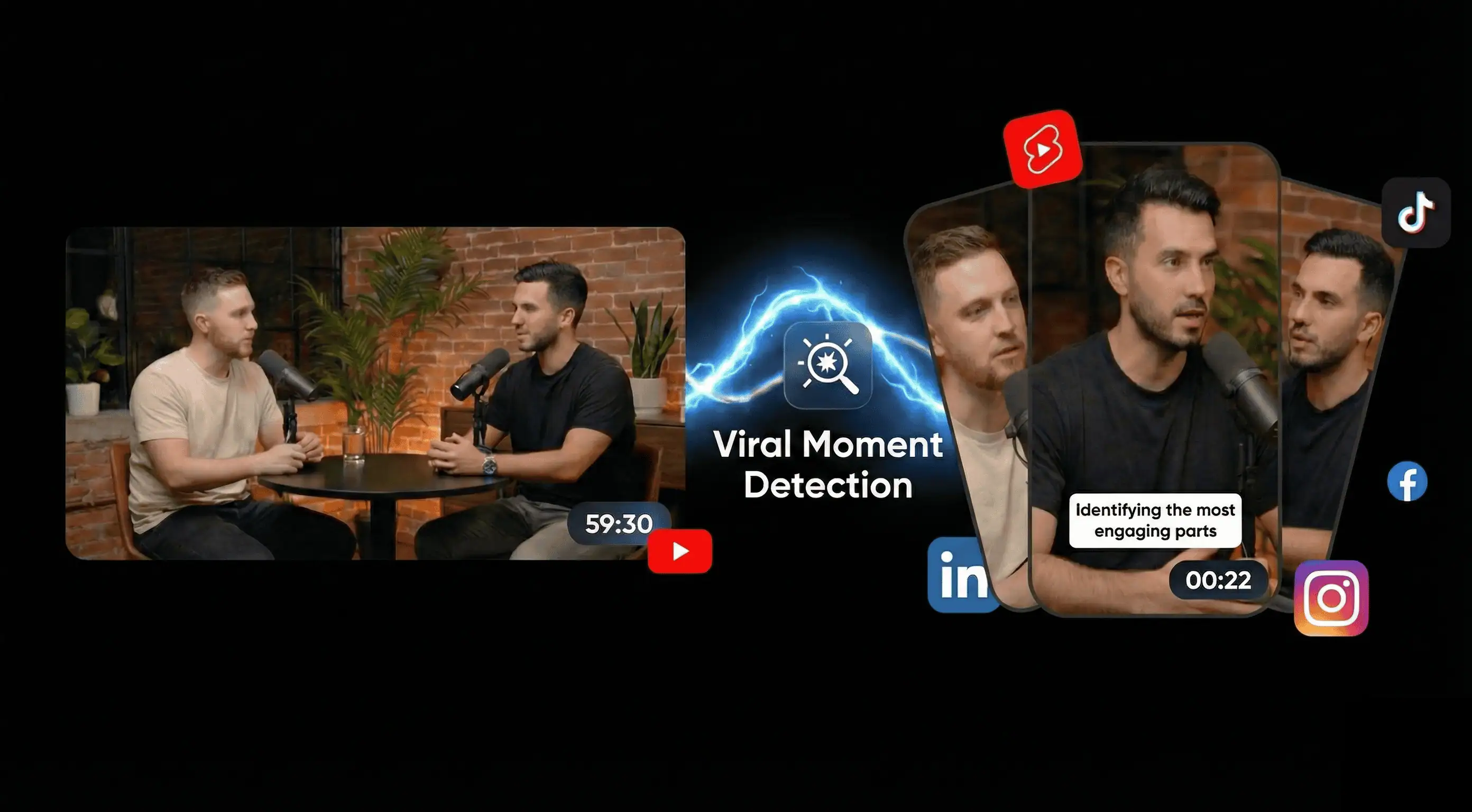
AI Finds the Viral Hooks
Our AI watches your entire video and automatically detects the moments that make people stop scrolling: emotional peaks, laugh-out-loud moments, powerful statements, and narrative hooks.
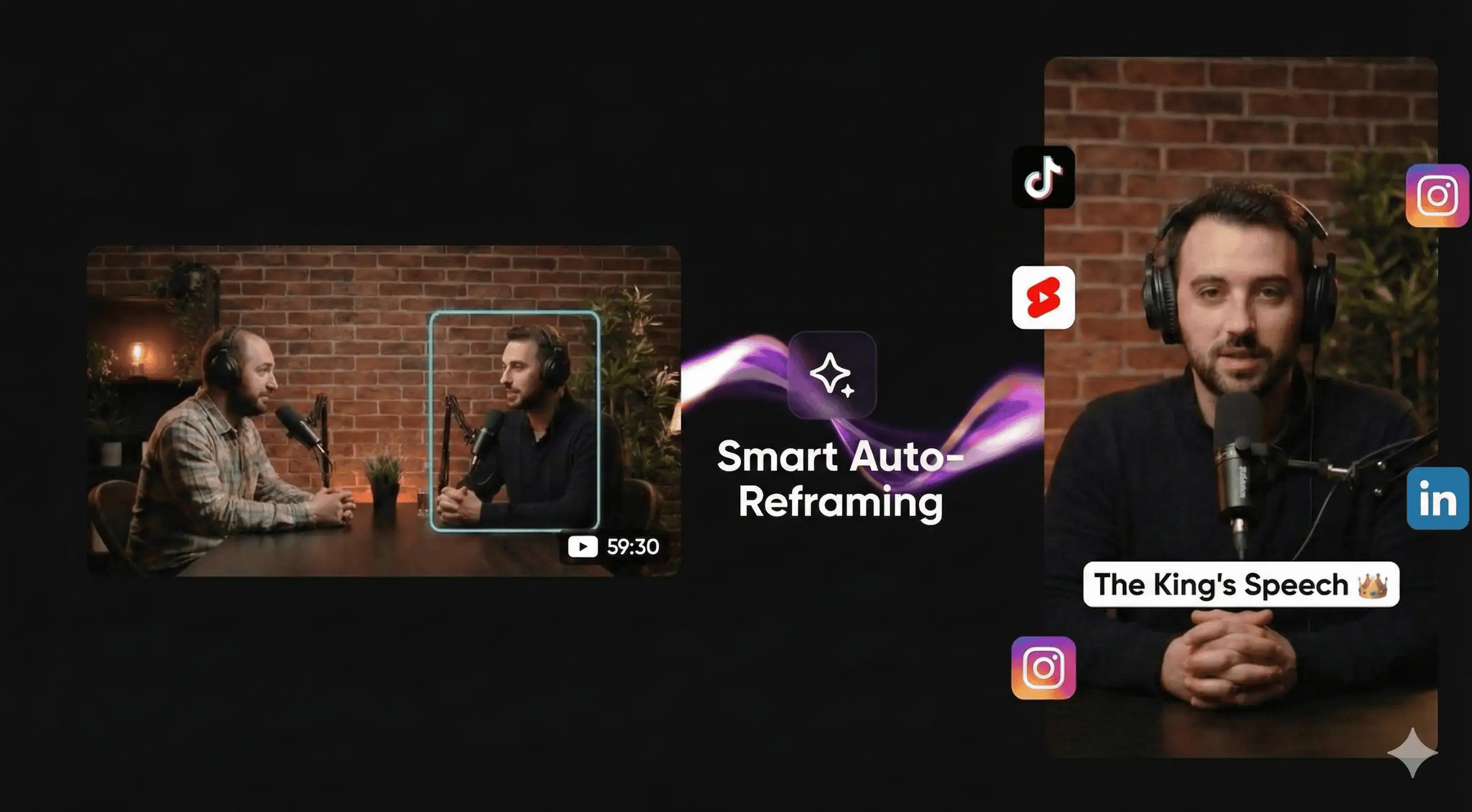
Smart Speaker Tracking
Active Speaker Detection keeps your subject perfectly framed. Forget complex keyframes—Reelify instantly turns horizontal footage into 9:16 vertical masterpieces.
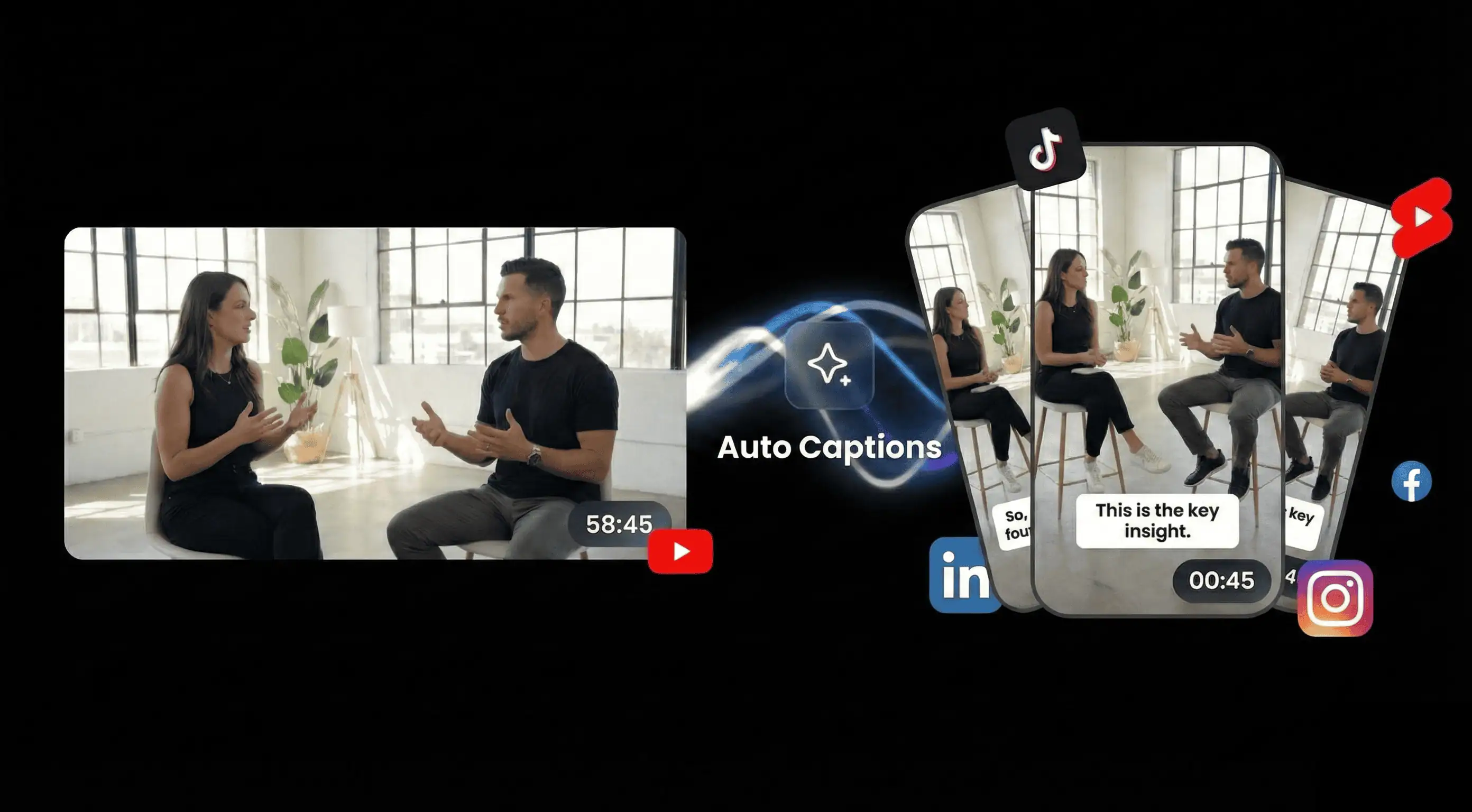
Stop Editing Text Manually
Beautifully styled captions, generated automatically. Accurate transcription with customizable fonts, colors, and animations—essential for viral clips.
No Upload, No Wait
While competitors make you upload 3-hour videos and wait in queues, we process everything locally. Your clips are ready before their upload bar hits 50%.
Speed That Changes Everything
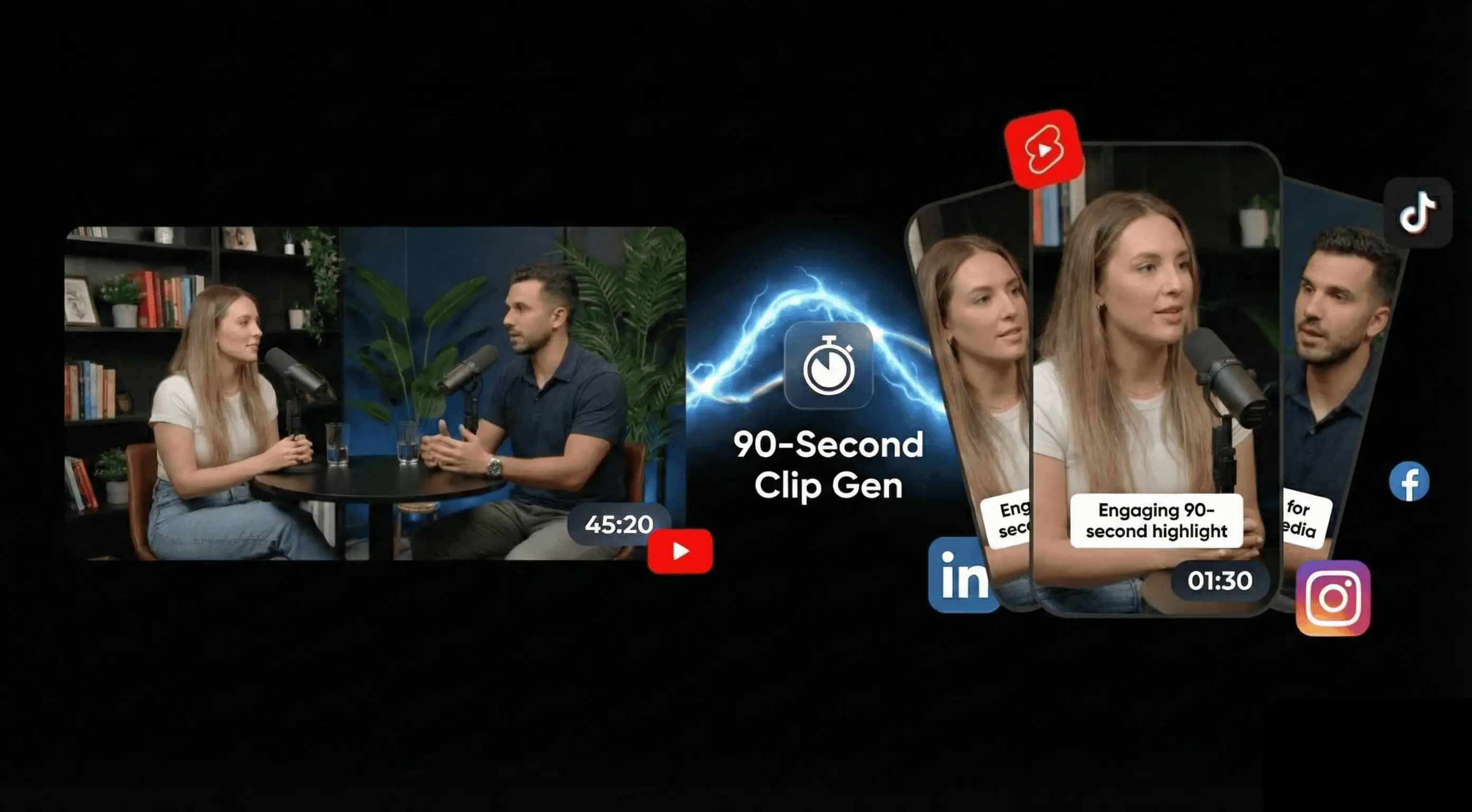
Built For Every Creator
See how different creators use Reelify to 10x their content output.

Drop a 2-hour episode, get 10+ clips of your best takes, hot takes, and quotable moments. Turn every episode into a week of social content.

AI finds your clutch plays, funny reactions, and highlight moments from hours of VODs. No more scrubbing through footage to find that one clip.

Extract the money moments from your workout videos — form demos, motivational bits, and transformation reveals that stop the scroll.

Client sends 2 hours of talking head footage? Get a head start with AI-selected best moments. Deliver faster, charge more.

Turn coaching calls, webinars, and course content into bite-sized LinkedIn posts and educational shorts. Repurpose everything.
Drop a 2-hour episode, get 10+ clips of your best takes, hot takes, and quotable moments. Turn every episode into a week of social content.
AI finds your clutch plays, funny reactions, and highlight moments from hours of VODs. No more scrubbing through footage to find that one clip.
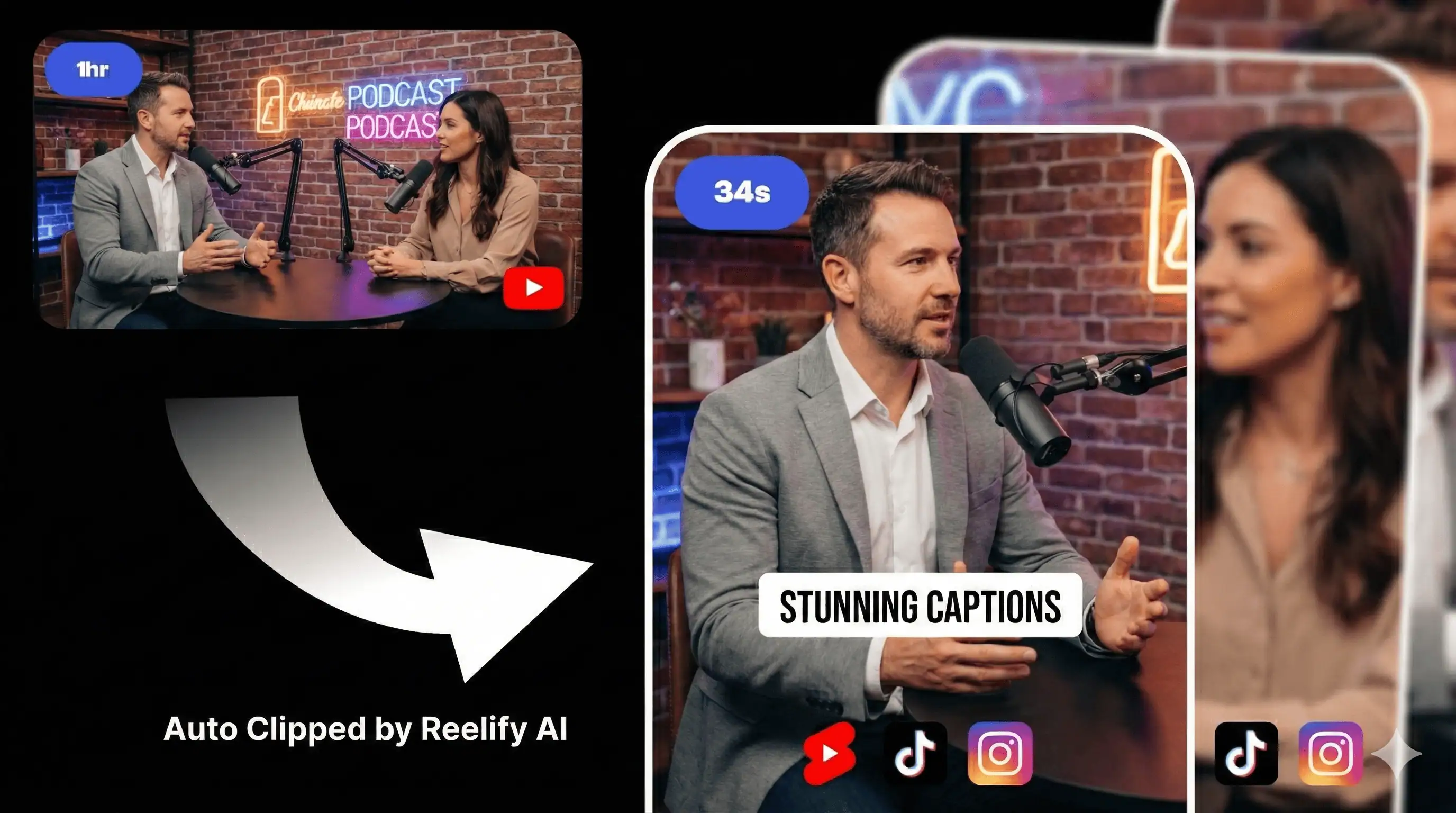
Why Creators Choose Reelify AI
Discover why we're the superior choice for serious content creators
Reelify AI vs Opus Clip
No uploads, no waiting. Local processing gives you speed and privacy that cloud tools can't match.
Read Full Comparison →Best Opus Alternative
Tired of upload delays and per-minute pricing? Get unlimited local clipping on Mac for $29/mo.
See Why Pros Switch →Local AI Processing
Your videos never leave your device. Client-safe by default — no cloud storage, no privacy risks.
Learn About Privacy →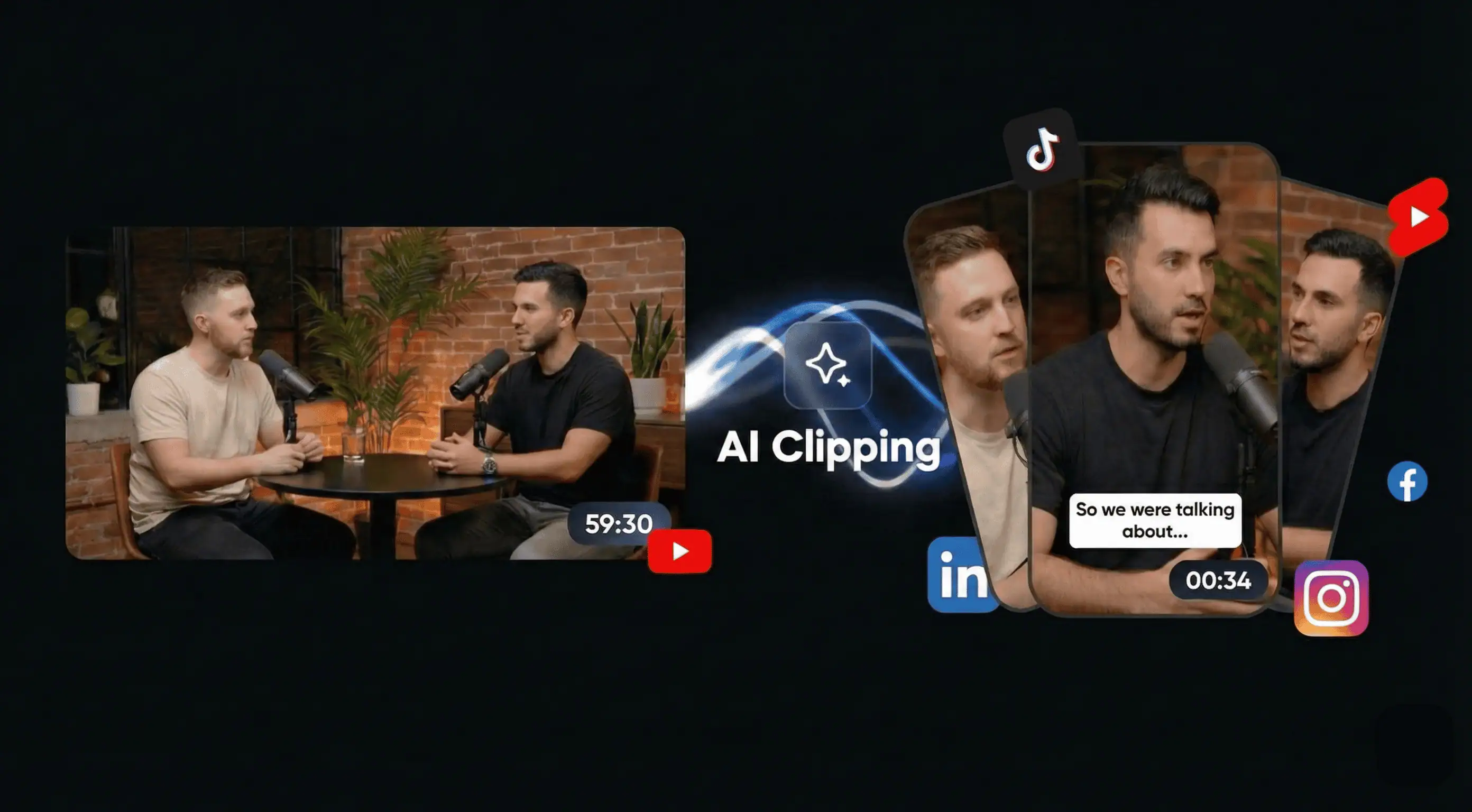
Find Your Unfair Advantage
Start for free, forever. Upgrade when you're ready to dominate.
Trial
Try the full workflow. Upgrade when you need more.
- ✓ 2 full long-form videos included
- ✓ Export finished clips (no watermark)
- ✓ Unlimited clip previews, captions & timestamps
- ✓ Local-first processing — no video uploads
- ✓ Trial ends after 2 videos
Pro
Unlimited long videos. Client-safe. Built for real work.
- ✓ Unlimited long-form videos (no credits)
- ✓ No upload time — start clipping instantly
- ✓ Your videos never leave your device
- ✓ Client-safe by default (zero video storage)
- ✓ Single active device
- ✓ Priority support
Free to try · No card required
Your Questions, Answered.
Is the AI actually any good?
We were skeptical too. But our AI is specifically trained to identify narrative hooks, emotional variance, and engaging dialogue patterns. It's not just looking for loud noises; it's looking for compelling moments. The free version exists so you can see for yourself.
Will this replace my video editor?
No. Reelify is your new First Assistant Editor. It does the most tedious part of the job: finding the gold. This frees you or your editor up to focus on what matters—polishing the final story, adding B-roll, and creative flourishes.
Is my content sent to the cloud?
Never. Your privacy is paramount. Reelify is a native macOS app. All analysis happens securely on your computer. Your footage is yours, and yours alone.
Can I cancel my subscription anytime?
Of course. You can manage your subscription easily, with no hidden fees or long-term contracts. We're confident you'll want to stay, but we don't believe in holding you hostage.
Master Video Repurposing
Practical guides for getting the most from your content
📹 Extract Clips on Mac
Compare manual editing vs cloud AI vs local processing. See which method saves you the most time.
Read guide →Repurpose Videos
Turn one YouTube video into a week of TikTok content. Real tools tested, results compared.
See strategies →Podcast Clips
The 1 episode = 40+ posts formula. Platform-specific tips for podcasters who want growth.
Learn the system →Companion Apps
iOS/Android apps for quick editing and review on the go. Best paired with Mac for heavy lifting.
Learn more →Privacy-First Editing
No uploads, no cloud, no privacy risks. How local AI processing protects your content.
See comparison →Find Viral Moments
The psychology of viral content. Learn what makes clips explode and how AI detects it.
Master virality →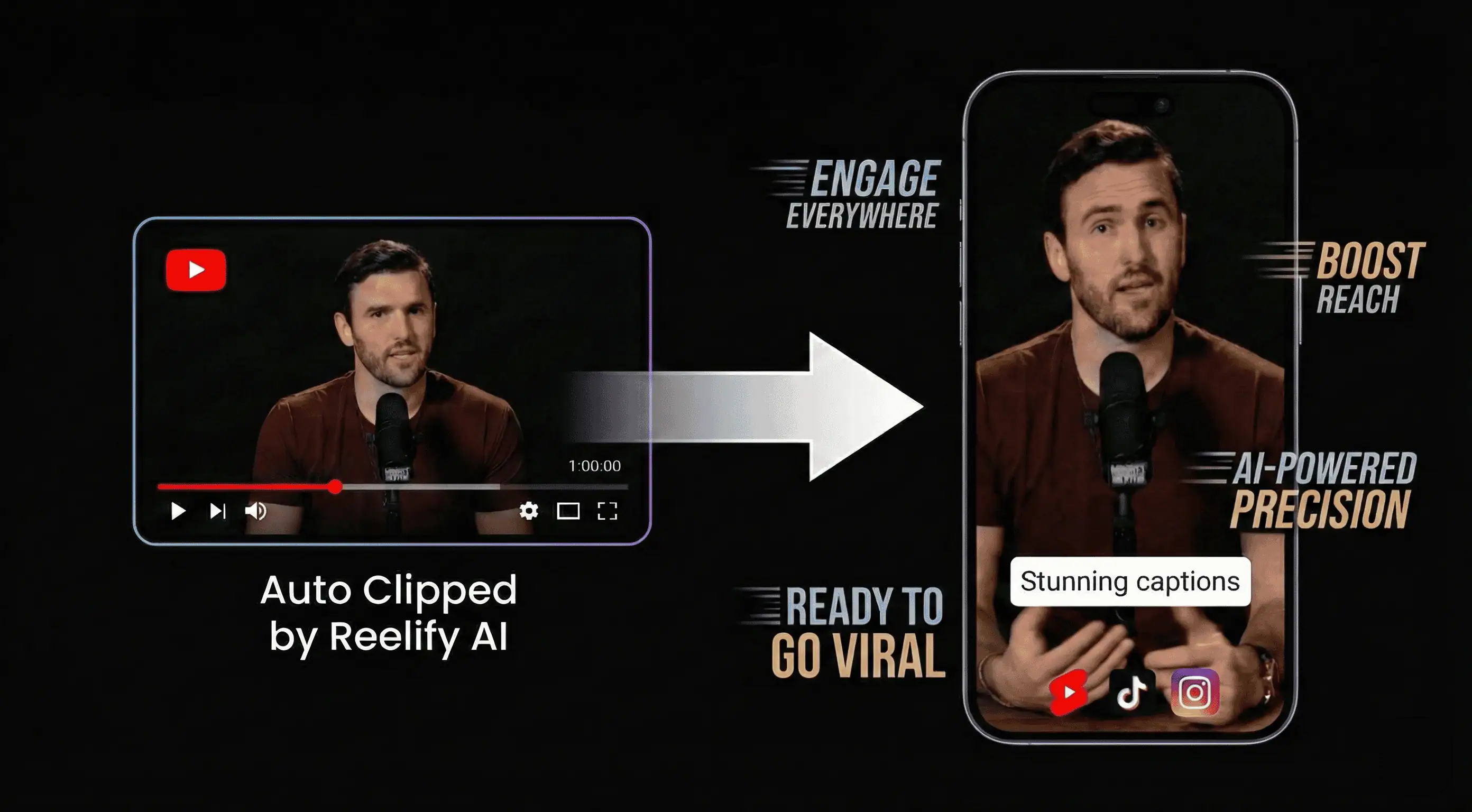
See What You Can Create
From raw footage to stunning, caption-ready clips in seconds
Repurpose for Every Platform
One video becomes content for Shorts, TikTok, and Reels—instantly.
Your next viral hit is
probably in your last video.
Stop letting your best moments die on a hard drive. Find them in the next 5 minutes.